> For the complete documentation index, see [llms.txt](https://docs.motar.com/llms.txt). Markdown versions of documentation pages are available by appending `.md` to page URLs; this page is available as [Markdown](https://docs.motar.com/motar-core-services/intro-to-core-services/admin/studio-groups/add-studio-groups.md).
# Add Studio Groups
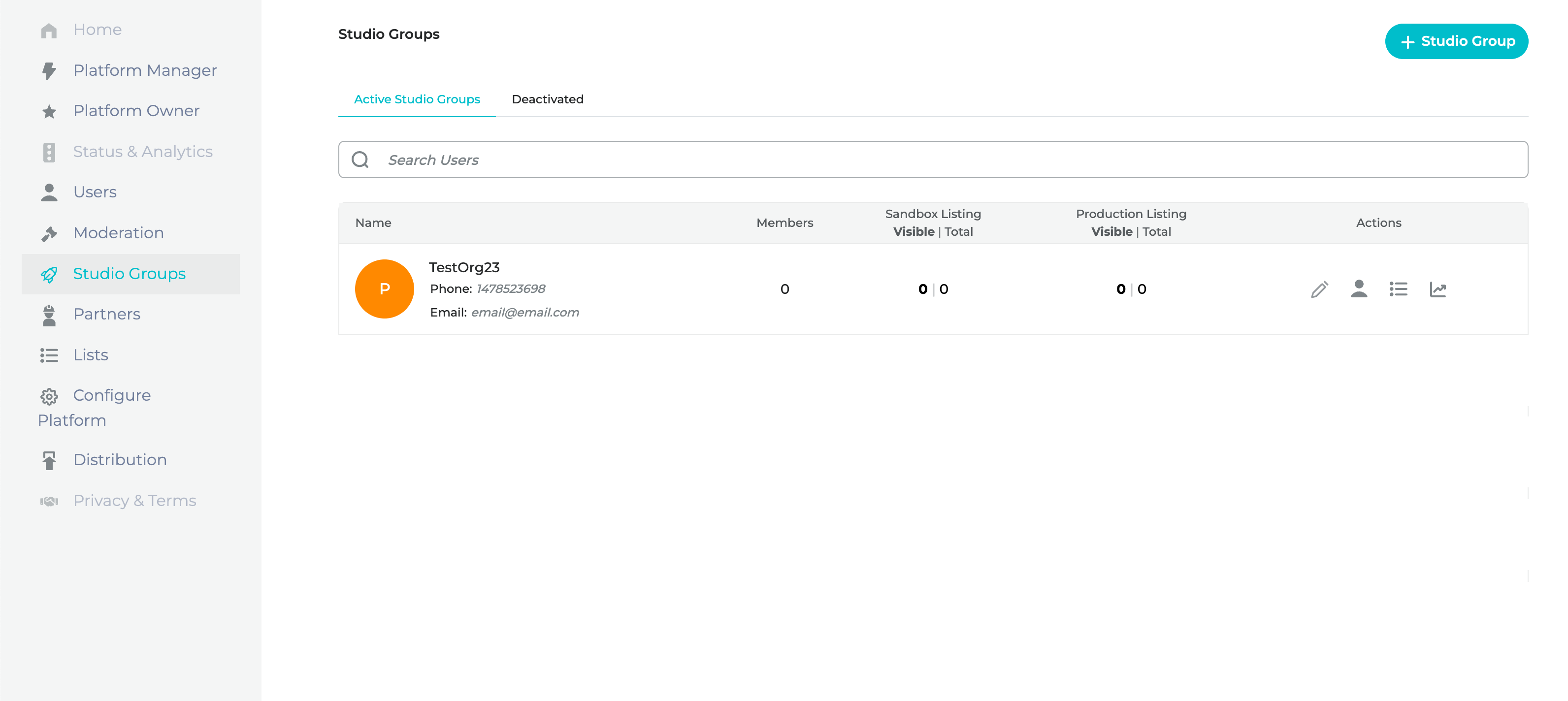
**Click** the "+ Studio Group" button to add a new group.
The button will launch the Add Studio Group Modal. The admin is required to fill in the fields shown on the modal below to create a new studio group.
After filling out the required fields, **Click** the "Add" button to create the desired studio group.